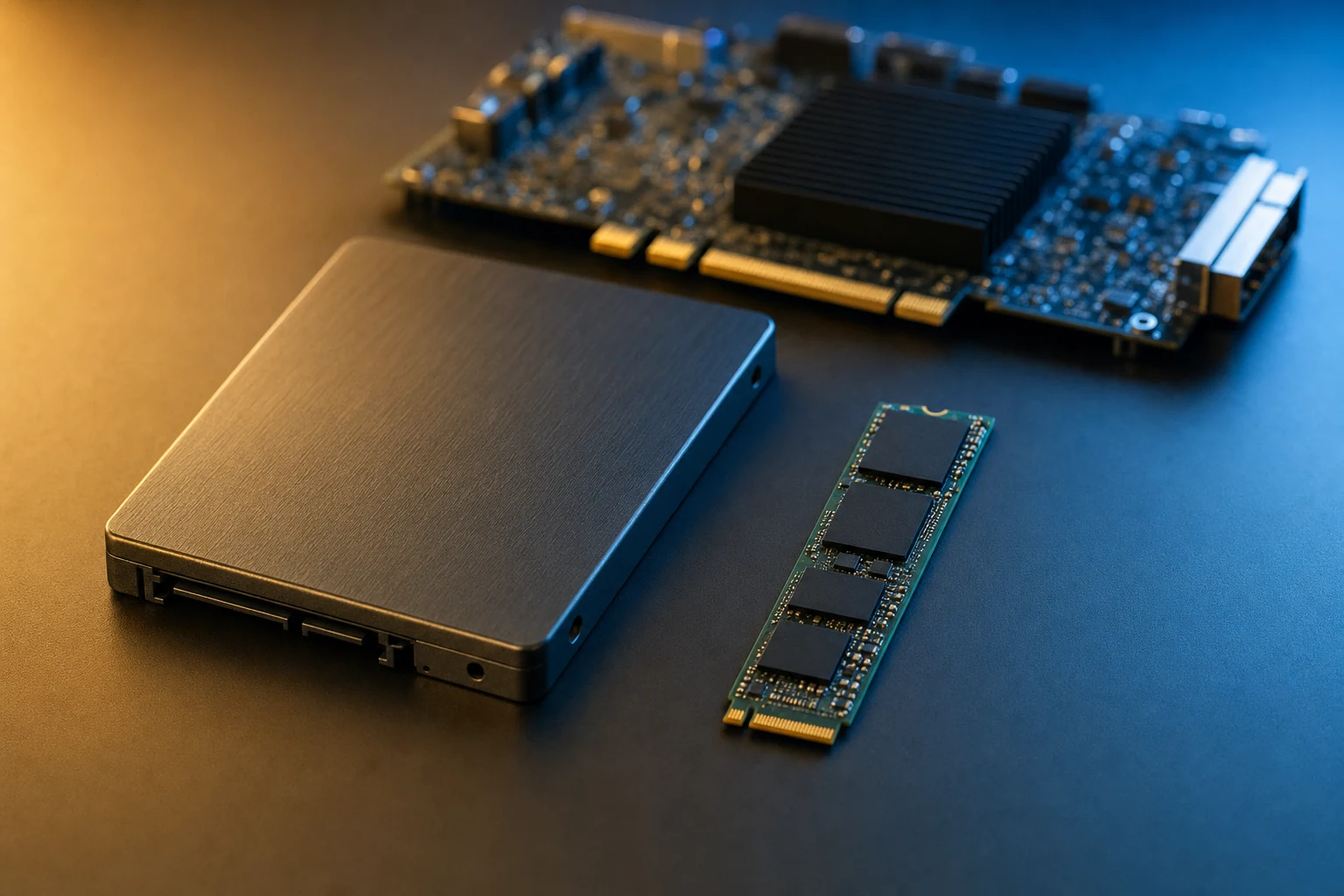
Industry update — On 4 August 2026, NVM Express, Inc. published updated versions of all 11 NVMe specifications — the NVMe 2.4 set — adding post-quantum cryptography, PCIe® exported NVM subsystem migration and voltage monitoring. The AHCI specification has not been revised since 2011: one standard still absorbs new requirements every year, the other stopped moving fifteen years ago (NVM Express, Inc., 4 August 2026).
In short: AHCI is a register model built to make one rotating disk look fast to one CPU — a single 32-slot command list per port, behind a SATA link capped at 6 Gbit/s. NVMe is a queue model built for flash on PCIe: thousands of independent queues, thousands of entries deep, with no host bus adapter in the middle. On an FPGA, where your fabric is the host, that difference decides how much parallelism you can express in hardware.
If your last storage design used SATA, the move to NVMe can look like an interface swap: different connector, different IP core, same job. It is not. The interface is the small part. What changes is the command model — how many operations you can have in flight, who translates them, and how completions come back. AHCI and NVMe answer those questions from opposite ends of a decade of hardware assumptions, and an FPGA exposes the gap more brutally than a PC does, because there is no operating system to hide it.
The short answer
AHCI gives each port a single command list of 32 command slots, carrying ATA commands over a SATA link that tops out at 6 Gbit/s, through a host bus adapter that translates between the two worlds. NVMe gives the host up to 65 535 independent I/O queue pairs, each up to 65 536 entries deep, addressed by doorbell registers straight across PCIe to the SSD — no adapter, no translation, no shared list. Modern FPGA storage skips AHCI because a hardware host can genuinely use that parallelism: several producers in the fabric can each own a queue instead of contending for 32 slots. The catch is that AHCI is not obsolete — it is cheaper, smaller and still the right answer for modest, single-stream, cost-sensitive designs.
Two stacks, two eras
AHCI — the Advanced Host Controller Interface — standardised how a PC talks to a SATA host bus adapter, replacing a zoo of vendor-specific IDE controllers with one register layout any driver could drive. Its last published revision, 1.3.1, dates from 2011, and its design centre shows in every structure: a per-port command list, a received-FIS area, and Native Command Queuing to let a spinning disk reorder seeks. SATA-IO describes NCQ in exactly those terms — grouping commands “in order of processing efficiency, thereby reducing the mechanical workload”. Mechanical. That word is the whole story.
NVMe started from the opposite premise: the media has no seek time, the bottleneck is the command path, and the device sits directly on PCIe. So instead of one command list it defines paired submission and completion queues created on demand, a doorbell register per queue, and a deliberately small mandatory command set. It is also a living standard, re-published by NVM Express, Inc. most recently as the NVMe 2.4 set. For the queue mechanics from first principles, see our companion piece NVMe explained: queues, namespaces and the host controller.
AHCI vs NVMe, side by side
The table compares the two command models as specified, not as any product implements them. The “how many” figures are the ones visible in the Linux drivers that implement both stacks.
| Dimension | AHCI over SATA | NVMe over PCIe |
|---|---|---|
| Last specification revision | AHCI 1.3.1, 2011 — unchanged since | NVMe 2.4 specification set, 4 August 2026 [1] |
| Command queues | One command list per port | Up to 65 535 I/O queue pairs, created on demand [2] |
| Commands in flight | 32 command slots per port; SATA NCQ tops out at 32 outstanding commands [5][6] | Up to 65 536 entries per queue (the depth field is 16-bit and zero-based) [7] |
| Command set | ATA commands, built as FIS structures and translated by the HBA | Native NVMe commands: a small mandatory I/O set (read, write, flush) plus admin commands |
| Physical path | Host → PCIe → AHCI HBA → SATA link → device | Host → PCIe → SSD controller |
| Link rate | Fixed ladder: 1.5 / 3.0 / 6.0 Gbit/s per link [3] | Scales with PCIe generation and lane count (8 / 16 / 32 GT/s per lane at Gen3 / Gen4 / Gen5) [8] |
| Completion signalling | One interrupt for the controller; optional MSI with one message per port | MSI-X with a vector per completion queue, plus a standard interrupt-coalescing feature |
| Multiple independent producers | Share the same 32-slot list — contention is structural | Each producer can own its own queue pair |
| Logical partitioning | None in the protocol; one device per port | Namespaces are first-class; one controller can present several |
| Ports per controller | Up to 32 ports per HBA | Not applicable — one PCIe function per controller, scaled by lanes and by adding devices |
| Designed for | Rotating media, one CPU, seek-order optimisation | Flash, many producers, no seek penalty |
| Sector sizes in common use | 512-byte logical blocks | 512-byte or 4096-byte, selectable per namespace |
Two rows carry the argument. 32 is a hard ceiling in AHCI, not a tuning parameter: the command list is 32 slots and SATA’s NCQ tag field allows 32 outstanding commands, which is why the Linux implementations of both hard-code the same number. And the physical path row is where the latency lives — the row most comparisons skip.
Sizing a storage core and unsure whether the queue model or the link rate is your real constraint? Our catalogue lists which NVMe and SATA host cores run on which FPGA family.
Where the latency actually goes
Draw the two paths and the argument settles itself. On a SATA design, a command leaves the host, crosses PCIe to the host bus adapter, becomes a Frame Information Structure, is serialised onto the SATA link, and is interpreted by a device architected to look like an ATA disk. Every hop re-expresses the command in another vocabulary. The HBA is not overhead in the pejorative sense — it does real work — but it is work that exists only because the device speaks a different language than the host.
On NVMe, the host writes a command into a submission queue, rings a doorbell, and the SSD fetches it over the same PCIe link that will carry the data. No adapter, no translation. Completions land in a completion queue whose MSI-X vector you chose when you created it, so the interrupt reaches the exact consumer that cares instead of a controller-wide interrupt everyone must inspect. In hardware, that structural routing beats clever arbitration every time: it is logic you never have to write, verify and close timing on.
We deliberately put no microsecond figures on this. Latency depends on the SSD, the PCIe generation, the queue depth and your own fabric, and we have never published a measured, comparable latency number for the two stacks. A vendor quoting one without naming the drive and the test is selling, not measuring.
What changes inside an FPGA
On a PC an operating system hides the command model behind a block layer, so the difference surfaces as a benchmark number. On an FPGA there is no OS in the path: your fabric is the host. Whatever parallelism the protocol allows, you build — and whatever it forbids, you cannot work around. If three capture pipelines need to write concurrently, AHCI gives them one command list to share and asks you to arbitrate in logic; NVMe lets each own an independent queue and lets the SSD sort out ordering. The arbitration you would have written becomes a property of the protocol.
It pays to be honest about scale. A hardware NVMe host does not implement 65 535 queues, and nobody should imply otherwise — every queue costs buffer memory in a device that has a finite amount. Our NVMe Host IP cores are published as managing up to 16 independent I/O queues and 8 namespaces, with a per-queue buffer size selectable from 32 KB upward precisely so the design fits small-density FPGAs, and a 512-byte or 4096-byte sector size [9]. Sixteen is not 65 535. It is also sixteen times more independent command streams than AHCI can express — which is the comparison that decides architectures.
The integration surface stays familiar: a register file over AXI for control, with PCIe root-port, endpoint and NVMe register configuration performed automatically, plus two data interfaces — a CPU interface for long sequential recording or reading, and a FIFO interface for I/O-intensive transfer. System frequency follows the PCIe generation of the root port you instantiate: 125 MHz on a 128-bit bus at Gen2, 125 MHz on 256-bit at Gen3, 250 MHz on 256-bit at Gen4.
When AHCI and SATA still make sense
An article concluding “always use NVMe” would be easier to write and wrong. Four cases where the legacy stack is the right engineering answer:
- Your sustained rate fits inside one SATA link. A single 6 Gbit/s SATA III link delivered roughly 500 MBytes/s in the recorder work we published in 2019. If your instrument produces 200 MB/s, a SATA host core is smaller, simpler and closes timing at 150 MHz.
- Cost and sourcing. SATA media remains the volume-priced, widely second-sourced option, and SATA-IO positions the interface explicitly as a cost, power and performance trade — not a performance crown. In a product shipping for a decade, sourcing matters as much as throughput.
- You need an existing driver to just work. This is the strongest case for AHCI specifically, and it is often missed. An AHCI registers model in the FPGA means standard host software recognises your controller as an AHCI HBA, with no custom driver at all. That is why we ship a SATA 3 Host IP with an AHCI registers model for Xilinx Zynq 7: AHCI registers plus the transport, link and PHY layers, compliant with Serial ATA III at 6 Gbit/s, fully synchronous at 150 MHz (or 75 MHz if you select 3 Gbit/s), delivered in source form.
- Legacy media compatibility. If the recorded media must be readable by equipment already in the field — a test bench, a ground station, an installed base of readers — the interface is a requirement, not a choice.
AHCI’s ceiling is only a problem if you were going to hit it. Our SATA vs NVMe interface comparison works through where that line sits for a given sustained rate.
A migration path that does not break the design
When the decision does go to NVMe, the transition is more tractable than it looks, because the parts of the design that are hard to change mostly do not change.
- Write down what the AHCI model was buying you. If the answer is “a standard driver on the processing system”, NVMe has an equivalent for Linux hosts. If it is “a smaller core”, you may be looking at a downgrade.
- Decide raw blocks or file system, once. Raw LBAs are fastest; if a PC must read the media, you need a file-system layer above the host core — FAT32 or exFAT are available as an option. Choose before you size buffers.
- Map one command list onto N queues. This is the actual design work: give every independent producer a queue instead of a time slot. Arbitration logic becomes configuration.
- Size the PCIe hard block first. Generation and lane count set both your ceiling and your system clock, and everything downstream derives from them.
- Keep the control/data split you already have. A register file over AXI plus a wide payload path is the same pattern in both worlds; only the semantics behind the registers change.
- Prove one namespace, one queue, one block before scaling to sustained streaming. It separates control-plane bugs from data-plane bugs and saves days on the bench.
Where this comparison stops applying
This article compares two command models as specified. It does not answer everything:
- It is not a benchmark. No figure here is measured against a named drive under a named workload, apart from the ~500 MBytes/s single-link SATA result we published ourselves in 2019.
- Resource utilisation is not covered. LUT, FF, BRAM and DSP counts differ per core and per family; size them from the specific datasheet.
- Not every FPGA gives you the choice. The PCIe hard block available on your target device can decide the argument before you do.
- SAS, NVMe-oF and network-attached storage are out of scope. Both stacks here are direct-attached.
- “Legacy” is not an insult. A stack frozen in 2011 is also a stack interoperability-tested for fifteen years — in avionics and long-life industrial programmes, that stability has real value.
In summary
AHCI and NVMe are not two speeds of the same idea. AHCI is a host bus adapter model: one 32-slot command list per port, ATA commands translated onto a 6 Gbit/s serial link, a controller-wide interrupt, rotating media at its design centre. NVMe is a queue model: thousands of independent queue pairs addressed by doorbells straight over PCIe, per-queue completion vectors, no translation because the device speaks the host’s language. Modern FPGA storage skips the legacy stack because in fabric, where you build the host yourself, protocol-level parallelism is parallelism you do not have to design. But the boundary matters as much as the headline — if one SATA link carries your data, if the media must stay readable by installed equipment, or if a standard AHCI driver is the requirement, the legacy stack is still correct. It is why we still ship both.
Frequently asked questions
Is NVMe always faster than AHCI?
No. NVMe removes two structural limits: the 32-slot command list and the fixed 6 Gbit/s SATA link. If your design never saturates either, an NVMe core will not make it faster, only larger. NVMe wins decisively when several independent producers compete for storage, when one SATA link is genuinely the bottleneck, or when you need more than 32 outstanding commands.
Can an FPGA speak AHCI without an operating system?
Yes. An AHCI registers model in fabric can be driven by a state machine or a soft processor like any other memory-mapped register set. The extra benefit of the AHCI layout is the reverse case: because it is standardised, a stock host driver can recognise the controller if a processing system is present — which is often the real reason to choose it over a proprietary SATA host interface.
Why does AHCI cap at 32 commands?
Because the command list defined by the AHCI specification has 32 command slots per port, and the SATA Native Command Queuing tag field allows 32 outstanding commands. It is a structural property of the specification, not a driver limit — which is why the Linux AHCI and libata implementations both hard-code 32. No amount of tuning raises it; only a different protocol does.
Does an FPGA NVMe host core really support 65 535 queues?
No, and any vendor claiming it should be asked for the datasheet. The specification permits up to 65 535 I/O queue pairs, but every queue costs buffer memory in the host implementation. Our published NVMe Host IP figures are up to 16 independent I/O queues and 8 namespaces, with a selectable per-queue buffer size. The meaningful comparison is 16 independent command streams versus AHCI’s single shared list.
If I move from SATA to NVMe, does my AXI integration change?
The shape stays the same: a register file over AXI for control, a wide data path for payload. What changes is the semantics behind the registers — you create and ring queues instead of filling a command list — and the clocking, because system frequency follows the PCIe generation of the root port you instantiate rather than the SATA speed you selected.
Will the media still be readable on a PC after I switch?
Only if you write a file system. Both SATA and NVMe host cores can record straight to raw logical blocks, which is the fastest path and produces media no PC will mount. If the recording must be read on a workstation afterwards, add a file-system layer above the host core — FAT32 or exFAT are available as an option on our NVMe host IP. Decide at architecture time: it changes your buffering and your minimum file size.
How we write these guides: each one is drafted by the engineers who build and support our cores. Protocol figures come from the published specifications and the driver implementations that follow them; product figures come from our own datasheets. Resource utilisation, measured latency and sustained throughput are always deferred to the specific core’s datasheet and your own timing closure — never to a made-up number.
Weighing an NVMe host core against a SATA host core — or an AHCI registers model — for a specific FPGA family? The catalogue lists every variant we ship, by device and by interface.
Sources
- NVM Express, Inc. — press release, 4 August 2026: publication of the updated set of 11 NVMe specifications.
- NVM Express, Inc. — NVMe specifications: the NVMe 2.4 set and its queue, namespace and command-set model.
- SATA-IO — the SATA ecosystem: the 6.0 / 3.0 / 1.5 Gbit/s transfer rates and SATA’s stated cost, power and performance positioning.
- SATA-IO — Native Command Queuing: what NCQ does, and why it was designed around mechanical seek optimisation.
- Linux kernel — drivers/ata/ahci.h: 32 command slots and up to 32 ports per AHCI controller.
- Linux kernel — include/linux/libata.h: the ATA queue-depth ceiling of 32 outstanding commands.
- Linux kernel — include/linux/nvme.h: the NVMe capability fields, including the 16-bit maximum queue entries field and interrupt coalescing.
- PCI-SIG — PCI Express specifications: the per-lane transfer rates that set an NVMe design’s bandwidth ceiling.
- Logic Design Solutions — IP catalogue: published specifications for our NVMe Host IP and the SATA 3 Host AHCI registers model for Xilinx Zynq 7.