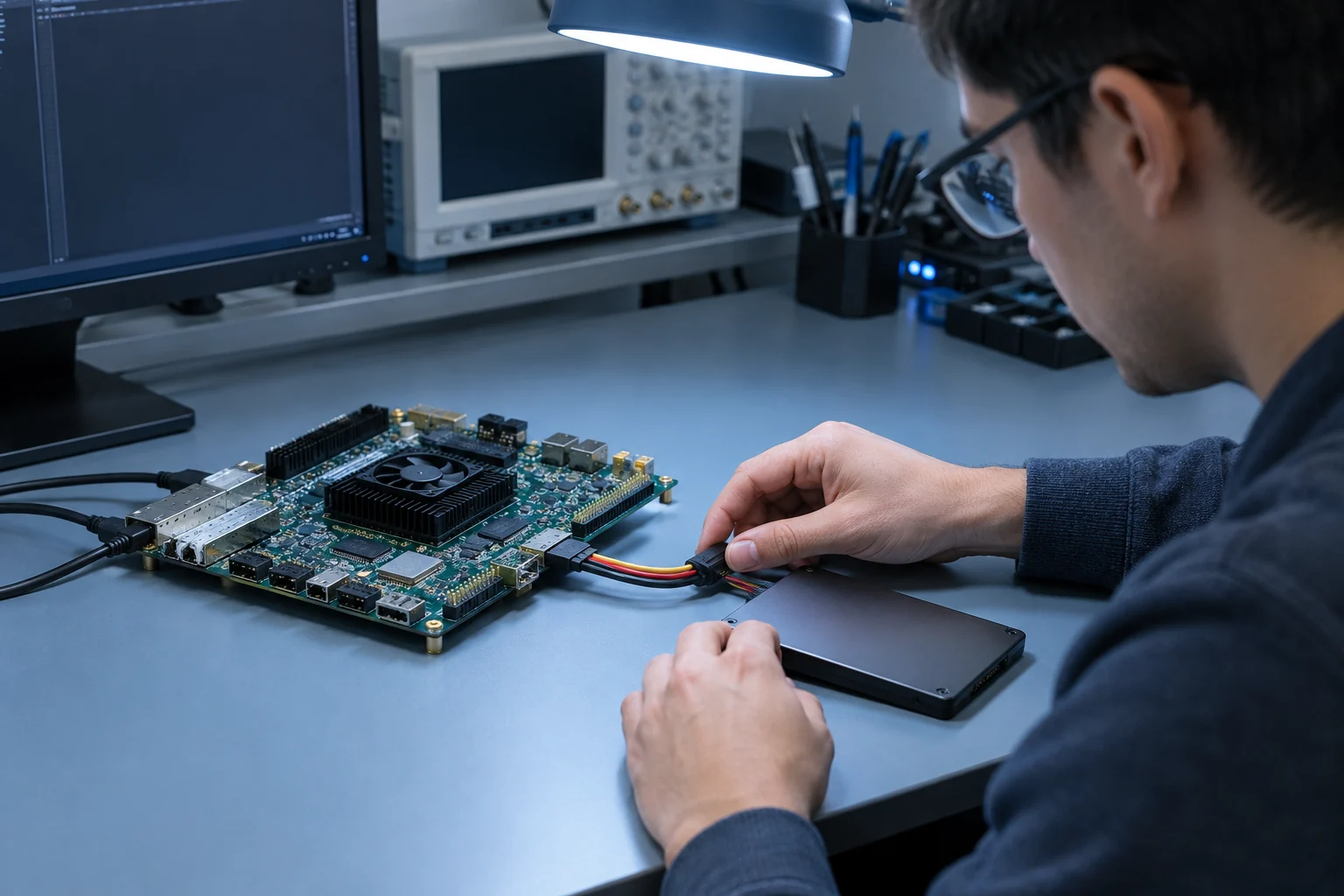
An exFAT file system IP’s end-to-end throughput cannot be inferred from its stated role as an NVMe Host soft core or from NVMe queue capacity. The material presented identifies the core, but reports no measured throughput for that pairing.
The short answer
The material presented does not establish an end-to-end throughput figure for an exFAT IP paired with an NVMe Host. Queue capacity describes NVMe architecture, not the performance of a particular FPGA implementation. Our recommendation is to define the measurement boundary first, then record the FPGA and IP configuration, workload, queue depth, preconditioning, idle-test choice, and what counts as completion. Compare runs by changing one condition at a time, and report each result only for the setup it measures.
Where does exFAT IP sit in an FPGA storage pipeline?
Logic Design Solutions describes its exFAT IP as a soft core for an NVMe Host; an NVMe namespace is a collection of logical block addresses accessible to host software. Keep those roles distinct.
The Linux exFAT filesystem driver provides read and write support for exFAT volumes. That statement concerns the Linux driver; it does not establish the FPGA IP’s read or write performance. Use it to describe the Linux driver, not as evidence for a performance claim about the FPGA core.
For a design review, label the IP’s stated role, the namespace definition, and the performance measurement boundary separately. Keep any performance claim tied to a measurement that supports that specific claim. If the material at hand defines a role or a namespace, describe that scope without adding a throughput or latency figure.
A concise design note can identify the product as an exFAT soft core for an NVMe Host.
How does its interaction with NVMe host IP shape end-to-end throughput?
The available sources identify an exFAT soft core for NVMe Host, but do not report end-to-end throughput for that pairing; the product announcement and the NVM Express specifications FAQ provide product and architecture context, not a measured result.
NVM Express says its architecture supports 65,535 I/O queues, each with 65,535 commands, defines queue depth as the number of outstanding commands, and maps queues to CPU cores, according to its specifications FAQ. Those queue dimensions are not a measured throughput result. They describe the NVMe queue architecture, not the rate achieved by an exFAT IP and NVMe Host implementation.
For an implementation evaluation, define the measurement boundary before reporting a rate. State which FPGA and IP configuration you measured, identify the workload and queue settings, and explain what counts as completion. Then report the result for that exact setup. A result covering a different boundary should be presented separately, rather than described as the same end-to-end measurement.
Sources
Which configuration variables should engineers vary in a throughput test?
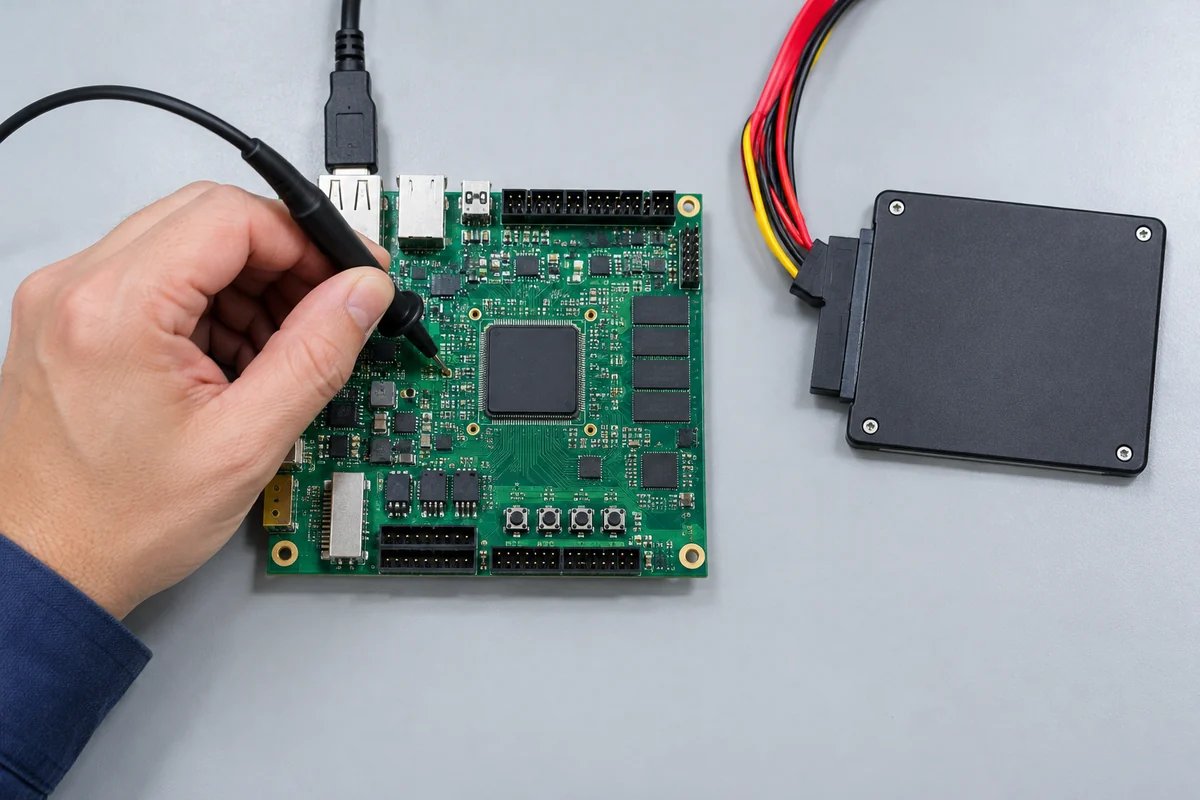
For an exFAT IP throughput test, vary preconditioning, queue depth, idle tests, and random-versus-sequential suites. SNIA’s SSD performance testing topics include all four.
Our recommendation: change one variable at a time when comparing configurations, while keeping the other selected conditions fixed. That makes the comparison easier to interpret: the test record can show which choice changed, which choices stayed constant, and what result was recorded for each run.
| Variable | What to specify in the test plan |
|---|---|
| Preconditioning | Name the selected preconditioning condition and keep it fixed while varying another variable. |
| Queue depth | Record the chosen queue-depth setting for each run; compare settings without changing the other listed conditions. |
| Idle tests | State whether an idle test is included, and apply the same choice across runs in a comparison. |
| Random versus sequential | Label the selected suite clearly and keep it distinct from the other suite in the test record. |
What allocation-unit size suits the target workload?
Choose cluster size for the workload while respecting design constraints: exFAT permits clusters from one sector to 32 MB, and its specification identifies increasing cluster size to limit cluster count and avoid an extremely large FAT as an option.
Start by stating the design priority: the allocation granularity required by the workload, or control over cluster count and FAT size. Then select a cluster-size candidate within the specified range. Keep the workload requirement separate from the FAT constraint. They are different criteria for choosing a value, and the specification does not identify one universally suitable size.
| Design priority | Cluster-size choice |
|---|---|
| Control cluster count and avoid an extremely large FAT | Consider a larger cluster size; the exFAT specification names this as an implementation option. |
| Meet a workload-specific allocation requirement | Start with a smaller candidate that fits the requirement, without assuming that smaller clusters provide higher throughput. |
| Set the permitted boundary | Keep the candidate within the specified range of one sector to 32 MB. |
For a throughput-focused design, do not infer that increasing cluster size will increase transfer rate: the cited specification sets cluster-size limits and describes an option for controlling cluster count and FAT size, but it does not compare throughput across cluster sizes or report a benchmark for the LDS IP.
Our recommendation is to choose the smallest candidate that satisfies the workload’s stated allocation requirements, unless controlling cluster count and FAT size is a design priority. In that case, consider a larger candidate, staying within the specified range. Use the FAT constraint to justify increasing cluster size, not an assumed throughput gain.
What file-size and volume limits matter when selecting exFAT?
Select against both kinds of ceiling: Microsoft lists exFAT’s maximum file size as 2^64-1 bytes and its maximum volume as 2^32-1 clusters (Maximum cluster size = 2^25-1).
These are separate selection criteria: one concerns an individual file, while the other expresses the volume limit in clusters and gives a maximum cluster size. Keep those units and limits distinct when you write down the storage requirement; the comparison does not present the volume ceiling as a byte total.
| Selection check | Limit listed by Microsoft |
|---|---|
| Maximum file size | 2^64-1 bytes |
| Maximum volume and cluster size | 2^32-1 clusters (Maximum cluster size = 2^25-1) |
Our selection rule: compare the largest required file with the file-size ceiling, then assess the volume requirement against the cluster-based ceiling. Keep the cluster-size limit as its own check rather than treating it as another way to state the maximum file size. This keeps the requirement aligned with the three values Microsoft lists, without implying a byte capacity that the comparison does not provide.
For a design review, record the largest individual file the system needs to accommodate, the target volume requirement, and the cluster-size constraint as distinct items. Preserve the units shown in the comparison. If a requirement is stated in bytes for the volume, do not treat the cited cluster count as a byte figure; the Microsoft comparison gives a cluster limit and a maximum cluster size, not a calculated volume total.
LDS describes its offering as an exFAT IP soft core for NVMe Host. That product description does not turn Microsoft’s filesystem comparison into an LDS-specific implementation limit. Use the figures as filesystem reference ceilings, not as proof that a particular FPGA IP configuration supports those maxima. The decisive selection question is whether the required file and volume limits match the implementation specification for the design.
Where might high-level synthesis fit around the storage interfaces?
For a proposed workload-specific transformation, define its inputs, outputs, assumptions, and error handling. Then decide which responsibilities remain outside that block and how its behavior will be checked against the design requirements. If those boundaries are difficult to state, keep the scope narrower until they are clear.
Logic Design Solutions advertises an “EXFAT IP Soft Core for NVMe Host”. For a design considering that offering, use the architecture review to make explicit which responsibilities belong to the IP and which, if any, are candidates for HLS. The product listing alone does not settle that division.
Our recommendation: use HLS only for logic with a specific, reviewable role, and document how that role relates to the storage and filesystem boundaries. That keeps the integration decision tied to the design’s requirements, not to an assumption about what HLS should handle.
When is another filesystem a better fit for the storage pipeline?
Microsoft’s exFAT specification describes TexFAT as an extension to exFAT that adds transaction-safe operational semantics; Linux documents ext4’s data=journal mode as providing full data and metadata journaling.
Our recommendation: define the required semantics before choosing the filesystem. Keep the decision tied to the property the design needs, rather than treating filesystem names as interchangeable. The requirement should lead.
| Requirement | Documented option | What the source states |
|---|---|---|
| Transaction-safe operational semantics | TexFAT | The Microsoft exFAT specification says: “TexFAT is an extension to exFAT that adds transaction-safe operational semantics on top of the base file system.” |
| Full data-and-metadata journaling | ext4, data=journal mode | Linux kernel documentation says: “data=journal mode provides full data and metadata journaling. All new data is written to the journal first, and then to its final location.” |
For a storage design that calls for transaction-safe operational semantics, TexFAT is the option described as extending exFAT with that property. For a requirement that specifically calls for full data and metadata journaling, the documented alternative is ext4’s data=journal mode. These are distinct requirement matches, not a performance ranking.
Logic Design Solutions advertises an exFAT IP soft core for NVMe Host. The cited descriptions establish the semantics named above; they do not provide a throughput comparison for these options.
Frequently asked questions
Does exFAT have size limitations?
Yes: Microsoft lists exFAT’s maximum file size as 2^64−1 bytes (Microsoft’s filesystem comparison; exFAT specification).
Which one is better, FAT32 or exFAT?
We’d choose exFAT when the design needs to store files larger than 4 GiB: Microsoft lists exFAT’s maximum file size as 2^64−1 bytes, compared with 4 GiB for FAT32 (Microsoft’s filesystem comparison).
What is the best allocation unit size for exFAT?
For general use, leave the exFAT allocation unit size at its default; Windows selects it based on the volume size, according to Microsoft’s format command documentation.
What’s faster, exFAT or NTFS?
In Ars Technica’s tested setup, exFAT was slightly faster than NTFS in almost all tests except random writes; for large files, their speeds were nearly identical. Ars Technica’s 2013 test reports those results, which apply to its tested setup rather than every system.
In summary
Our recommendation: before using a throughput number in a design review, write down the exact FPGA and IP configuration, workload, queue settings, and completion point. Keep architecture facts and benchmark results separate, then compare runs by changing one chosen variable at a time. If the test boundary changes, label the new result separately rather than treating it as the same measurement.
How we wrote this article
The sources we consulted are listed at the end of the article, consulted on 2 November 2026. Where we cite none, it is our opinion, and we write it as such.
This article gives buying criteria and our point of view. It does not replace a professional’s advice on a specific situation.
It is published by Logic Design Solutions, which therefore has an interest in the subject.
Sources
- The Linux exFAT filesystem driver : The Linux Kernel documentation, kernel.org
- NVMe Namespaces – NVM Express, nvmexpress.org
- Understanding SSD Performance Using the PTS Reports to Evaluate and Compare SSD Performance | SNIA | Experts on Data, snia.org
- File System Functionality Comparison – Win32 apps | Microsoft Learn, learn.microsoft.com
- exFAT File System Specification – Win32 apps | Microsoft Learn, learn.microsoft.com
- ext4 General Information : The Linux Kernel documentation, docs.kernel.org
- Logic Design Solutions launches its EXFAT IP Soft Core for NVMe Host – Logic Design Solutions | Logic Design Solutions, logic-design-solutions.com
- NVMe Specification – NVM Express, nvmexpress.org
- exFAT File System Specification – Win32 apps | Microsoft Learn, learn.microsoft.com
- format | Microsoft Learn, learn.microsoft.com
- Can Microsoft’s exFAT file system bridge the gap between OSes? – Ars Technica, arstechnica.com