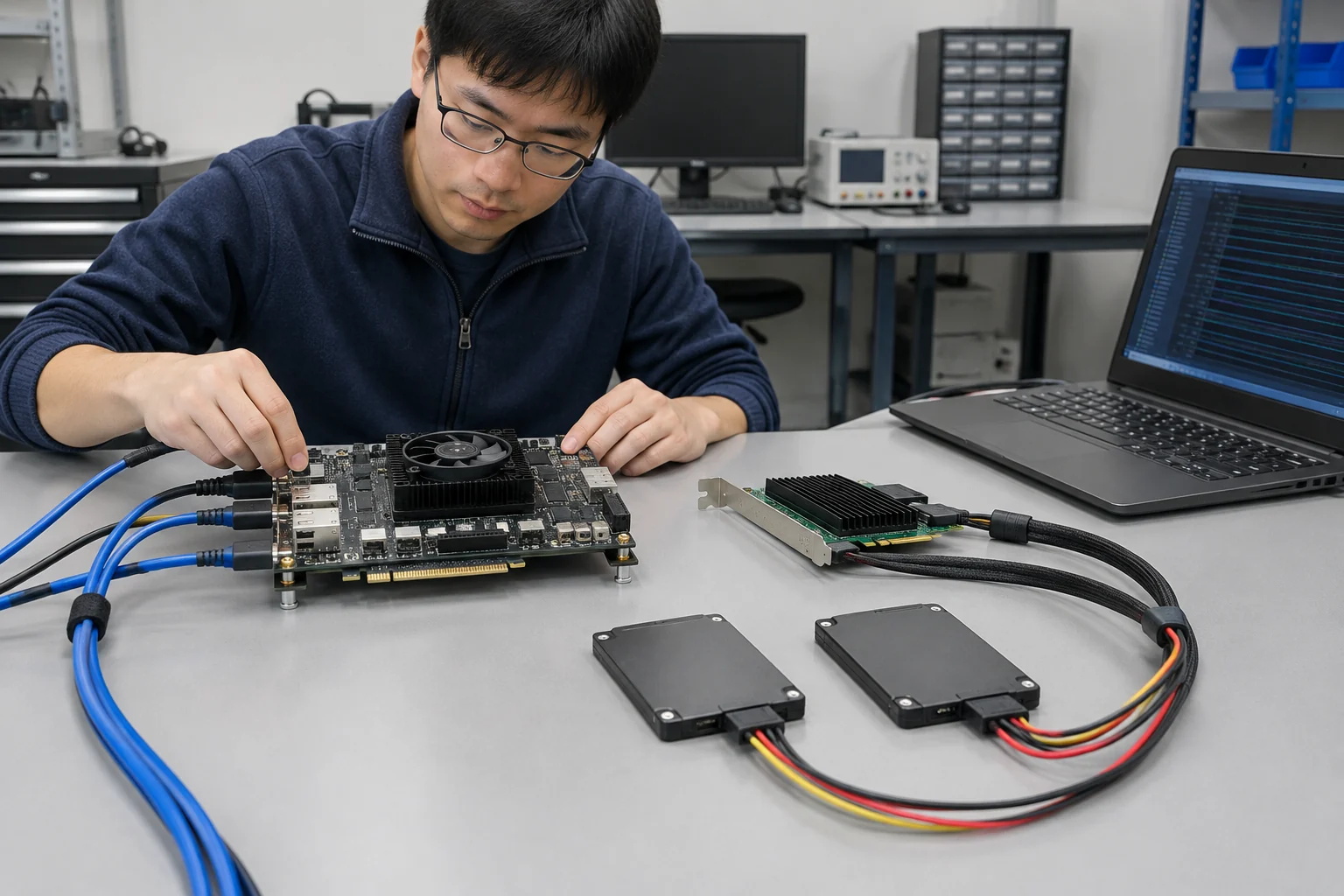
An FPGA storage benchmark is comparable only when every result has a declared boundary, workload, platform, and measurement definition. We recommend deciding first whether the test covers a storage device or a complete solution, then keeping each result tied to that scope.
The short answer
To benchmark FPGA storage IP, compare candidates on the same workload and platform, report throughput, latency, and FPGA resource use separately, and limit each conclusion to the configuration tested.
Start by defining the scope: does the comparison cover the storage device alone or the complete solution? State that boundary before presenting results. The two scopes answer different questions, so do not read them as interchangeable. Keep the scope explicit.
For every workload, write a repeatable recipe that names its access pattern, read/write mix, request size, queue depth, concurrency, and any changing settings. Keep the recipe fixed when comparing candidates. If the profile changes, record it as a separate case. Keep changed profiles separate, rather than folding them into one result.
Use consistent conditions for the FPGA platform, host, software path, run procedure, and measurement conditions. If a condition changes, make that change visible in the report, instead of presenting the results as though they came from the original setup. Conclusions belong to the configuration they describe.
Give throughput, latency, and FPGA resource use their own definitions. For throughput and latency, include the measurement capture point; list resource use separately, and keep FPGA timing terms distinct from storage metrics. Do not combine unlike measures into a single result, because each metric describes a different part of the comparison.
Our recommendation is to state the workload and configuration alongside every conclusion. A benchmark supports a comparison within that boundary; it does not establish that the same result applies to a different workload, platform, or software path. That is the limit readers need to keep in view.
What belongs inside the comparison boundary?
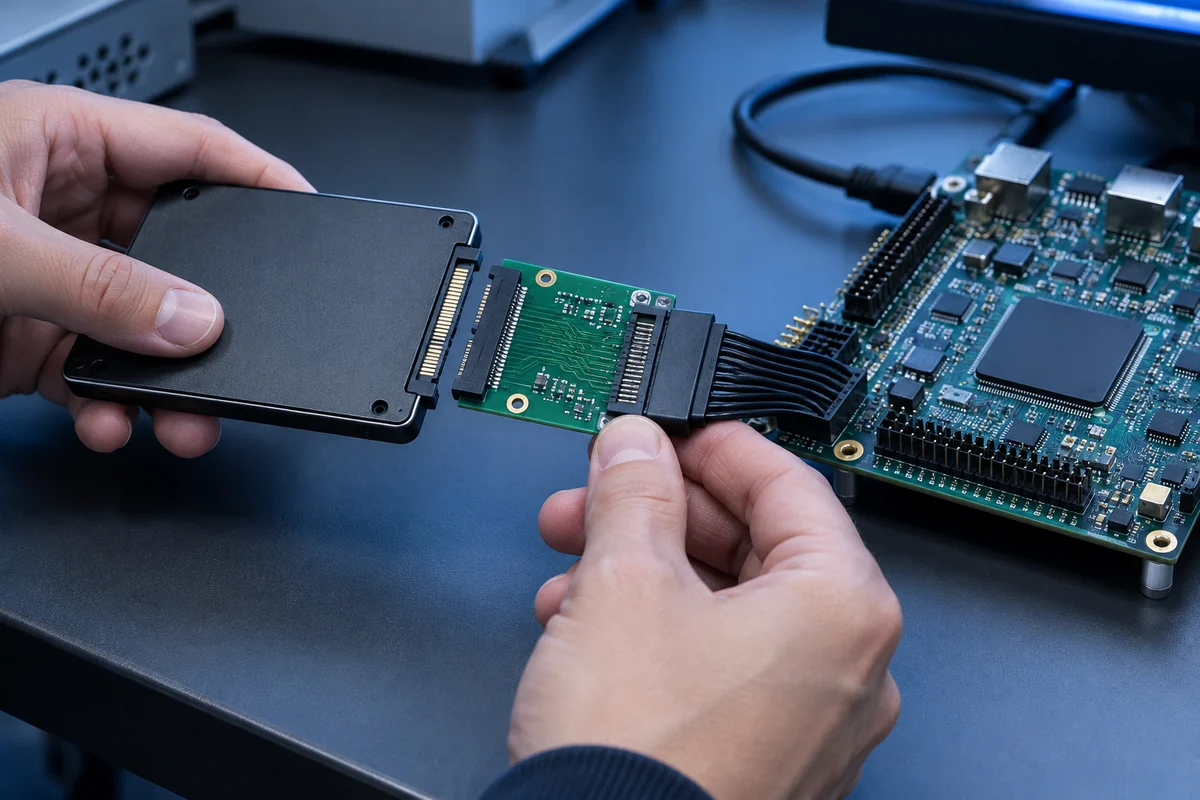
A comparison boundary defines what a result includes: the storage device alone, or a complete FPGA storage solution. Keep the same scope across entries you compare directly.
The SNIA specification for device-level SSS tests defines tests and methodologies for comparative testing of SSS devices for Enterprise and Client systems. Use that reference for the device-level boundary, not as a description of a complete FPGA storage solution.
| Comparison boundary | What to define |
|---|---|
| Device-level | Specify the storage device as the comparison target. The SNIA device-level SSS test specification defines tests and methodologies for comparative testing of SSS devices for Enterprise and Client systems. |
| Complete solution | List the elements included in the measured solution, such as the FPGA IP, FPGA board, storage device, and any host-side software or control components. |
Our analysis separates scope from configuration: scope says which components count in the result, while configuration records how the test was run within that boundary. Declare the boundary before comparing results, then describe the test configuration within it.
When a complete-solution result includes the FPGA IP, FPGA board, storage device, and host-side software or control components, list those elements together so the stated scope matches the measured path. Name exclusions too. Keep it fixed.
For a device-level comparison, specify the storage device as the target. Do not present that result as evidence about components outside the stated boundary. If entries use different scopes, label them rather than placing their results in one undifferentiated comparison. Record the scope beside each result. Keep the comparison boundary identical across entries when the aim is to compare them directly.
How should random, sequential and mixed workloads be specified?
Specify random, sequential, and mixed workloads as repeatable recipes: record the access pattern, read/write mix, request size, concurrency, and which settings stay fixed or vary.
LDS designs and licenses FPGA storage IP. Our guidance is deliberately narrow: it defines workload inputs, not a complete benchmark report or a claim about measured performance.
| Workload | What to specify |
|---|---|
| Random | Record the address-selection rule, read/write mix, request size, queue depth, and concurrency. |
| Sequential | Describe the traversal pattern and tested range, then record the read/write mix, request size, queue depth, and concurrency. |
| Mixed | Describe the recipe, not just the label: list each component pattern, its share and order, whether components overlap or take turns, and the settings for each. |
Labels are not recipes. Our recommendation is to use the same fields for every workload, so the definition stays distinct from the values selected for a particular run. Mark each setting as fixed or variable, and state what changes when it varies. If a field does not apply, say so rather than leaving it blank.
For random access, spell out how addresses are selected. For sequential access, define the traversal and the range under test. Mixed workloads need their component patterns, shares, and order stated explicitly, along with whether the patterns overlap or take turns and which settings apply to each. A shorthand label alone does not give another engineer the full recipe.
When a profile changes during a run, record the transition point and the values before and after it. That detail lets another engineer recreate the intended sequence without guessing what the workload label leaves unstated. If a setting varies, state how; if it remains fixed, record its value.
Keep the test plan and report aligned by using the same field names, units, and workload labels in both. Treat the workload recipe as the workload definition, not as a complete account of the benchmark; keep other test conditions separate. That boundary makes clear what the recipe specifies and what it does not.
Which measurements make results comparable?
To make FPGA storage benchmarks comparable, report each metric with a consistent definition, unit, capture point, and implementation context, then state how any aggregate is calculated.
Keep the measurement conditions consistent across the results being compared. For each value, name what was measured and where it was captured; report distinct metrics separately rather than combining them under a broad label such as “performance.”
- Throughput: state the measured quantity, unit, and how the result is summarized.
- Latency: define the statistic being reported and its capture point.
- FPGA resource use: identify the resource categories included and the implementation context.
Keep each metric distinct.
LDS’s product page describes its FPGA IP portfolio as tested and optimized for performance, reliability, and ease of integration, but a benchmark comparison still needs its own declared metric definitions and measurement context.
We recommend publishing each metric before any summary. If you include an aggregate, name the inputs and show the calculation so readers can trace how it was derived.
Which platform and run conditions should stay fixed?
Keep the FPGA platform, host software, configuration, and run procedure fixed within each comparison; record deviations and limit the conclusion to the setup actually tested.
Set the target before running the benchmark. Hold one target configuration constant within each comparison: use the same FPGA part and board revision, and do not switch platforms midway through a result set. Choose a target that reflects the intended deployment, so the result has a clear scope.
Make the configuration record specific enough to reproduce the setup without guesswork. Include the FPGA part and board revision, PCIe generation and link width where applicable, clock configuration, memory setup, firmware, toolchain, and build options. Keep those choices unchanged throughout the runs.
Host and software conditions belong in the record, too. Keep the host platform, operating system, driver, and relevant firmware or runtime settings consistent. If one of them changes, name the difference and narrow the conclusion to the configuration that was actually tested. A result for one setup is not, by itself, a result for every deployment.
Keep the procedure stable: use the same initialization and reset approach, start and stop criteria, and policy for background activity. Change one condition at a time when investigating a platform or run-setting choice. If several conditions differ, label the runs as separate configurations rather than presenting them as a direct comparison.
Our recommendation is to make the run record concise and usable, not ceremonial. A configuration table can list the target, host, software, settings, and deviations in one place. If the intended use changes, define a new baseline instead of carrying settings over without checking that they still match the target.
The LDS product page for FPGA IP cores describes a range of FPGA IP cores and says each solution is tested and optimized for performance, reliability, and ease of integration. For a storage IP benchmark, state the exact configuration under test; that lets readers distinguish the IP result from the platform and run conditions around it.
Which FPGA timing terms should be kept distinct from storage metrics?
Keep clock period and FF-to-FF path delay separate from storage metrics: NASA’s clock-period definition makes it the inverse of operational frequency, while its FF-to-FF definition describes the time from one flip-flop’s output to the next flip-flop’s input.
Our recommendation: give each term its own field in the benchmark output. Keep the labels literal.
For clock period, preserve its relationship to operational frequency in the methodology notes. NASA’s definition makes the period the inverse of frequency, so keep that definition beside the term wherever the value appears, including a table heading, chart caption, or exported result. If operational frequency is also shown, label it separately and state any conversion method used.
For path delay, retain “FF-to-FF” and name both endpoints. NASA’s definition of FF-to-FF delay specifies the interval from one flip-flop’s output to the next flip-flop’s input. Keep that context attached to the value.
Treat timing terms as timing terms, not storage results. In a comparison table, use separate columns for clock period and path delay, or show only the applicable term with its full label. In a chart, repeat the label on the axis or in the caption so the value remains identifiable outside the surrounding discussion.
Keep units and calculation notes with the relevant field. Do not combine either timing term with a storage metric under one heading. If a summary has room for only one timing value, choose the term that answers its stated question and retain its precise label.
How should results be retested as the workload mix changes?
Retest each changed workload mix as a separate case, keeping the original profile as a baseline and reporting the revised results separately.
Start with the workload definitions already established in the article. Keep the comparison boundary, platform, run conditions, and selected measurements aligned with the earlier runs; change only the workload mix. If another condition has to change, give that run its own comparison rather than attributing the result to workload mix alone. Keep the distinction explicit.
Keep the baseline intact. When the intended workload shifts, retain the earlier profile and add the revised one as a new case. Give each profile a clear label, then state which conditions stayed fixed. Put those labels next to the results, so readers can connect each result to the case it describes without guessing.
We recommend reporting each profile on its own, with the same measurements used for the other benchmark cases. Keep profile-specific results separate. A single blended headline can obscure which workload mix a result represents, so do not let a summary replace the individual case results. If the revised mix is only one of several relevant use cases, keep the other profiles in the report too; a changed workload does not make the remaining cases irrelevant.
Interpret each result within its documented scope. A retest describes the profile and conditions recorded for that case; it does not establish how an untested mix would perform. That is the practical limit of the comparison. Naming the profile and the conditions held constant lets readers see what the retest supports, and what it does not.
For this benchmark, treat product-level context as context, not as a substitute for documenting the workload mix in a specific retest.
How can workload results guide the choice of a storage IP core?
Workload results guide a storage IP core choice only when the comparison matches the intended workload; MLCommons’ storage benchmark guidance says results are comparable within a workload, not across workloads.
Our recommendation is to treat each result as evidence for a specific decision, not as a general score for an IP core. Keep the workload fixed when comparing candidates. Keep the comparison narrow.
First, state the decision the benchmark needs to inform. Then select the benchmark round and workload that fit that question. MLCommons’ guidance on choosing a round and workload notes that workloads stress storage differently, so the result supports a choice for the selected workload, not every possible use of the storage path.
- Choose the round and workload that match the decision. Keep that context attached to each result.
- Compare candidate cores within the same workload. A result from another workload answers a different comparison question, so do not use it to rank candidates in this one.
- If the decision covers multiple workloads, keep the assessments separate. Make a choice for each relevant workload rather than combining different workloads into one ranking.
A leading result supports the choice for that workload. It does not establish a general winner if the intended workload changes. Likewise, an available result from a different workload is not a substitute: it does not answer the same question.
A short decision record can keep the reasoning clear: note the decision question, the benchmark round and workload, the candidate results being compared, and the choice they support. A workload-matched result supports a workload-specific choice, not a universal ranking of storage IP cores. Keep the conclusion within that boundary.
When is an I/O benchmark not the right evaluation?
An I/O benchmark is not the right evaluation when it stands in for a workload it does not represent, or when the question is protocol conformance rather than performance.
IBM’s review of storage benchmarking explains that systems differ in features and optimizations, while real-world workloads also vary, so no single benchmark is always suitable, a distinction that changes the test.
Our recommendation: treat a 1-benchmark result as evidence for the workload it represents, not as a universal proxy for an FPGA storage design. If the intended workload or system features differ from those represented in the benchmark, do not use that result alone to settle the evaluation. Choose a benchmark that reflects the target use, or narrow the claim to the conditions the result actually covers.
Keep the evaluation question explicit. If you need to compare performance for a target workload, use a performance benchmark suited to that workload. If you need to establish protocol conformance or interoperability, a performance score does not answer that question. Treat those as separate evaluation goals rather than reading one result as proof of both.
For NVMe, NVM Express says it works with the University of New Hampshire InterOperability Laboratory to conduct compliance and interoperability testing for the NVMe, NVMe-oF, and NVMe-MI specifications; it also says products on the NVMe Integrator’s List have demonstrated interoperability and conformance, and that companies often refer to the list when making purchasing decisions. If conformance is the decision at hand, include dedicated compliance testing alongside performance benchmarking.
Before accepting a result, ask what decision it supports: performance under the target workload, or conformance and interoperability with a specification? Then state the answer narrowly. A workload benchmark can inform the first question when its selection reflects the workload and system features; the dedicated compliance route addresses the second.
Do not stretch a benchmark beyond its purpose. Match the test to the decision, and keep performance evidence distinct from conformance evidence.
In summary
Before the next run, write the decision question into the test plan, choose one workload and comparison boundary, and record the platform, run conditions, and metric definitions. Keep the baseline intact. If the workload mix changes, add a separately labelled case; if another condition changes too, identify it as a separate comparison. Use each result only to support a decision for the workload and configuration it represents.
How we wrote this article
The sources we consulted are listed at the end of the article, consulted on 2 November 2026. Where we cite none, it is our opinion, and we write it as such.
Sector figures come from notre analyse de la base SIRENE de l’INSEE, stock au 1er août 2026. They count establishments; they measure neither output nor sales.
This article gives buying criteria and our point of view. It does not replace a professional’s advice on a specific situation.
It is published by Logic Design Solutions, which therefore has an interest in the subject.
Sources
- Field Programmable Gate Array (FPGA) Single Event Effect (SEE) Radiation Testing, nepp.nasa.gov
- Solid State Storage (SSS) Performance Test Specification (PTS) | SNIA | Experts on Data, snia.org
- Products – Logic Design Solutions | Logic Design Solutions, logic-design-solutions.com
- A nine year study of file system and storage benchmarking for ACM Transactions on Storage – IBM Research, research.ibm.com
- Testing & Compliance – NVM Express, nvmexpress.org